


Modern Color Picker
Select, adjust, and save your perfect colors
Select Your Color
#6366f1
Quick Select
Color History
Color Formats
HEX
#6366f1
RGB
rgb(99, 102, 241)
HSL
hsl(240, 73%, 65%)
Accessibility

Modern Color Picker Free tool—100% free, easy to use, and perfect for designers, students, and creators. Instantly pick, preview, and copy any color with a clean, modern interface that works on all devices.
The Best Modern Color Picker Free Tools for Students and Beginners
What Is a Color Picker?
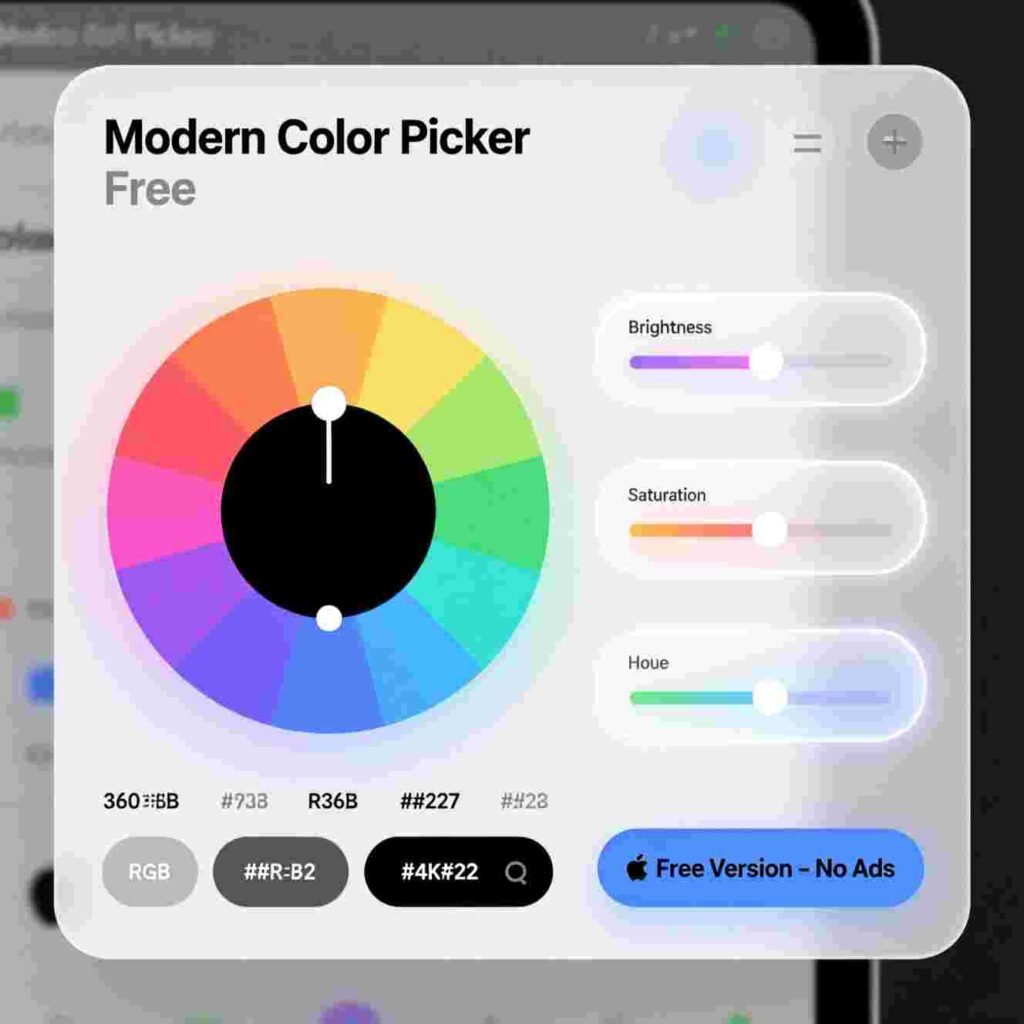
A color picker is a tool that helps you find and choose colors on your computer or phone. Imagine you see a beautiful shade of blue in a picture or on a website. With a color picker, you can point your cursor at that color and learn its special code. That code might look like #FF5733 or rgb(255, 87, 51).
For students, artists, or anyone just starting to learn about digital design, a color picker can feel like a magic wand. It helps you explore colors without guessing.
Why Do You Need a Modern Color Picker Free Tool?
You don’t need to spend money to experiment with colors. Many free tools online give you everything you need to pick, copy, and use colors safely and easily.
A Modern Color Picker Free works right in your web browser. You don’t have to download anything unless you want to. These tools often include:
- A color wheel to spin and explore
- A magnifying glass to zoom in on the screen colors
- Buttons that copy the code with one click
- Sliders to adjust brightness or saturation
Best of all, they work on laptops, tablets, and even phones!
How Does a Modern Color Picker Work?
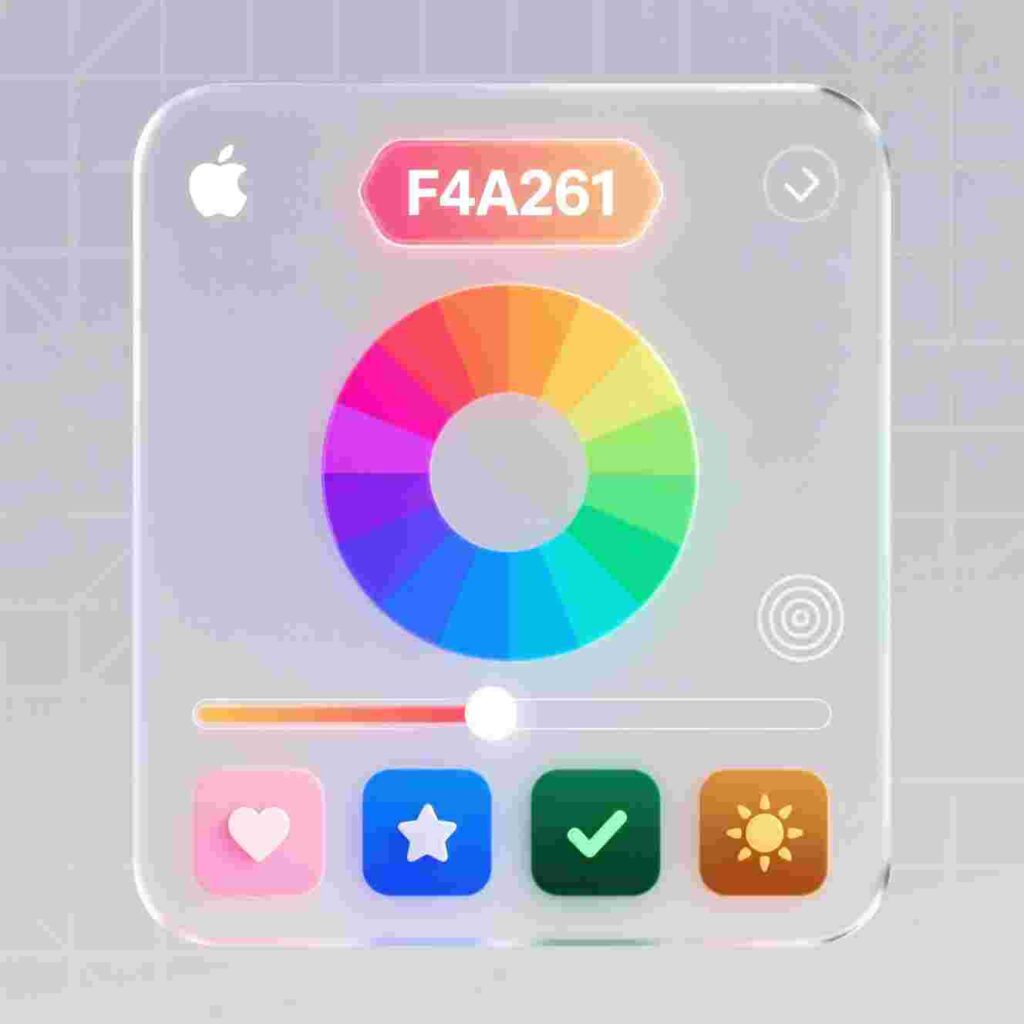
Most modern color pickers use your screen as a canvas. When you open the tool, you move your mouse around the screen. As you move, the tool shows you the color under your cursor in real time.
Here’s what happens step by step:
- You open the Modern Color Picker Free website.
- You click a button that says “Pick a Color” or “Eyedropper.”
- Your cursor turns into a little magnifying glass.
- You hover over any part of your screen—a photo, a game, a video—and the tool shows the color’s code.
- You click to lock in that color.
- You copy the code by clicking a button.
Now you can paste that code into a drawing program, a coding project, or even a school presentation!
Great Reasons to Use a Color Picker
1. Learn About Colors
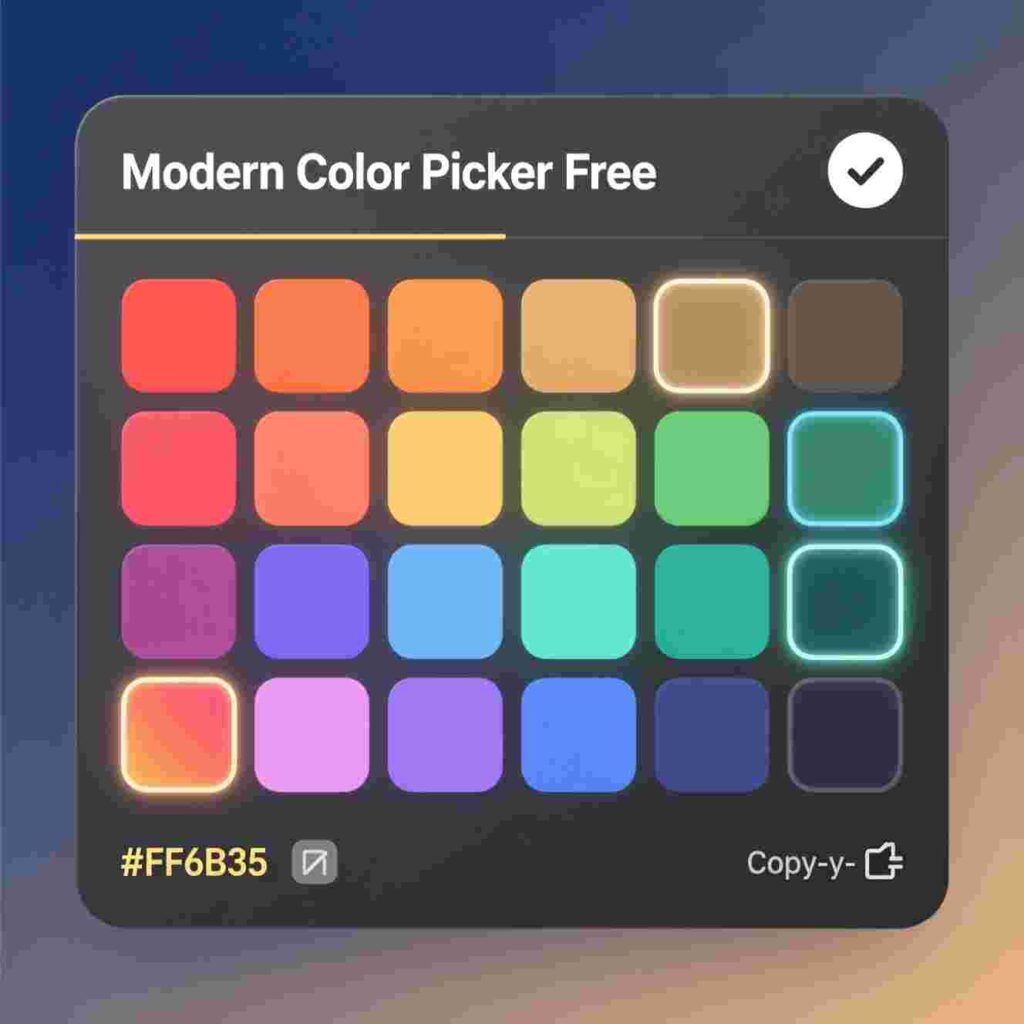
Color pickers teach you how colors are built. You’ll learn about red, green, and blue (RGB) values. You’ll see how mixing light makes new colors—different from mixing paints!
2. Match Colors Perfectly
If you’re making a poster or digital art, you might want two things to match exactly. A Modern Color Picker Free makes that easy. Just pick the color once, and use it everywhere.
3. Create Better Projects
Whether you’re building a website for a class or designing a game character, great colors make your work look professional. A color picker helps you choose smart, matching colors instead of random ones.
4. Save Time
Typing color codes by hand takes forever—and it’s easy to make mistakes. A free color picker gives you the right code instantly.
5. It’s Fun!
Exploring colors feels like a game. You can find your favorite shade of green or discover a cool purple you’ve never seen before.
How to Choose the Right Modern Color Picker Free Tool
Not all color pickers are the same. Some work only on certain browsers. Others look too complicated for beginners. Here’s what to look for:
✅ Works in Your Browser
The best Modern Color Picker Free
✅ Simple Design
Look for big buttons, clear labels, and no confusing ads. A good tool explains what each button does.
✅ Multiple Color Formats
You should see your color in HEX (#FF0000), RGB (rgb(255, 0, 0)), and HSL (hsl(0, 100%, 50%)). This helps you use it in different programs.
✅ One-Click Copy
✅ Works on Phones and Tablets
Many students use tablets or phones for school. A great color picker works well on touch screens, too.
Top 5 Modern Color Picker Free Tools for Students
Here are five student-friendly tools that are safe, simple, and totally free.
1. ColorPick Eyedropper (Chrome Extension)
This tool adds a button to your Chrome browser. Click it, move your cursor, and pick any color on any website. It shows HEX, RGB, and HSL codes. You can save your favorite colors in a palette.
Best for: Students using Chromebooks or laptops.
2. Canva Color Picker
Canva is a popular design site for kids and teachers. Its color picker lets you click any spot in your design to grab the color. You can also paste HEX codes to find matching shades.
Best for: Making posters, cards, or school projects in Canva.
3. ImageColorPicker.com
Upload a photo or paste a web image link. Then click anywhere on the image to get the color code. It works on phones too!
Best for: Finding colors from photos or drawings.
4. HTML Color Codes Picker
This website has a big color wheel, sliders for red/green/blue, and a live preview. You can see how your color looks on light and dark backgrounds.
Best for: Learning how colors work and experimenting safely.
5. Browser Built-In Pickers (Firefox & Chrome)
Both Firefox and Chrome have secret color pickers built into their developer tools. Go to the “Elements” tab, and look for the color box next to any CSS color. Click it, and a picker appears!
Best for: Brave students learning basic web coding.
How to Use a Color Picker in Real Projects
Let’s look at fun ways you can use a Modern Color Picker Free tool right now!
🎨 Art Class Digital Drawing
Use a color picker to find the exact green of a leaf or the red of an apple. Then use that color in your digital painting app.
💻 Coding Club Projects
If you’re learning HTML or Scratch, colors make your games and websites exciting. Pick a background color from your favorite cartoon and use it in your code!
📊 School Presentation Slides
Make your slides look neat by using matching colors. Pick a color from your school logo and use it for titles and borders.
🧪 Science Posters
Create a rainbow chart of pH colors or animal camouflage shades. A color picker helps you stay accurate and consistent.
🎭 Drama or Book Report Posters
Design a poster for your book report using colors that match the story’s mood—dark blues for mystery, bright yellows for happy tales!
Safety Tips for Using Online Tools
Even free tools should be used wisely. Follow these rules:
- Only visit trusted websites (like the ones listed above).
- Never download files unless a teacher or parent says it’s okay.
- Don’t enter personal info on color picker sites—most don’t need it!
- Use ad blockers if pop-up ads appear (ask a grown-up to help).
All the tools mentioned here are safe for students and are used by millions of people worldwide.
Fun Color Facts You’ll Discover
As you use the Modern Color Picker Free tool, you might notice cool things like:
- White isn’t just white! It can have a tiny bit of blue (
#FFFFFF) or a warm yellow tint (#FFF8E1). - Black can glow. On screens, “true black” is
#000000, but some phones use#121212to save battery. - Pink doesn’t exist in rainbows! It’s made by mixing red and blue light—something only screens can do.
- Your favorite color has a name and a number. “Coral” is
#FF7F50. “Sky Blue” is#87CEEB.
Practice Activity: Build Your Own Color Palette
Try this fun exercise:
- Open a Modern Color Picker Free
- Find five colors from things you love: a video game, a cartoon, your sneakers, a fruit, or your pet’s fur.
- Copy each color code.
- Paste them into a note or document.
- Give your palette a name—like “My Adventure Colors” or “Rainbow Robot.”
Now you have your own custom color kit!
How Teachers Use Color Pickers
Teachers use color pickers, too! Some even teach color theory using free pickers in class.
If you show your teacher how you used a Modern Color Picker Free tool in a project, they might be impressed—and maybe even share it with the whole class!
FAQs About Modern Color Pickers
Q: Do I need to install anything?
A: Not always! Many work right in your browser. Some Chrome tools need a one-time install—but it’s free and safe.
Q: Can I use it on my iPad or iPhone?
A: Yes! Try ImageColorPicker.com or Canva. Safari on iPhone also lets you pick colors from photos.
Q: Is it really free?
A: Yes! The tools listed here have no hidden fees. They make money from ads or other services—but the color picker stays free.
Q: What if I pick the wrong color?
A: No problem! Just pick again. Most tools let you go back or try new ones instantly.
Q: Can I save my colors?
A: Some tools let you save a “palette.” Others show your recent picks. Write them down if you want to keep them forever!
Why “Modern” Matters
Old color pickers were hard to use. They had tiny buttons, confusing menus, or only worked on old computers. A Modern Color Picker Free is:
- Fast
- Mobile-friendly
- Clear and colorful
- Made for everyone—not just experts
It’s like comparing a flip phone to a smartphone.
Bonus: How to Use Color Codes in Scratch
If you use Scratch (a popular coding site for kids), you can use HEX colors in costumes or backdrops.
- Pick a color with your Modern Color Picker Free tool.
- Copy the HEX code (like
#3399FF). - In Scratch, go to the Paint Editor.
- Click the color box, then “More.”
- Paste the HEX code.
Now your sprite wears your custom color!
Final Thoughts
Colors make the digital world fun, clear, and creative. You don’t need fancy software or a big budget to explore them. With a Modern Color Picker Free tool, you hold a powerful design helper in your hands—right now.
Whether you’re drawing, coding, presenting, or just playing, colors help you share your ideas with the world. So go ahead—pick a color, copy its code, and start creating!
Remember:
✅ Use safe, trusted tools
✅ Experiment and have fun
✅ Share your color discoveries with friends
And most importantly—never stop exploring!
Modern Color Picker Free – The Easy Way to Find and Use Any Color
Have you ever looked at a picture and thought, “I love that shade of blue!” but didn’t know how to use it in your own project? Or maybe you drew a rainbow and wanted to match every color exactly in a digital drawing? That’s where a Modern Color Picker Free tool comes in! This article will show you what a color picker is, why it’s helpful, how to use one, and why the Modern Color Picker Free version is perfect for students, young creators, and anyone who loves colors.
We’ll keep everything simple, clear, and fun—just like colors should be! This guide uses easy words so a 10-year-old can understand it, and it answers all the big questions about color pickers. You’ll learn how colors work on computers, how to copy your favorite colors, and how to use them in games, school projects, or art. And remember: the best part is that this amazing tool is completely free!
Let’s explore the colorful world of the Modern Color Picker Free!
What Is a Color Picker?
A color picker is a digital tool that helps you choose any color you see on your screen. Think of it like a magic eyedropper. When you point it at something red, green, purple, or even sparkly gold, it tells your computer, “This is the exact color!” Then, it gives you a special code for that color so you can use it again later.
Some are simple. Others, like the Modern Color Picker Free, are extra smart and easy to use. They work on phones, tablets, and computers—anywhere you need color!
Color pickers help you:
Match colors from photos or websites
Create color palettes (groups of colors that go well together)
Share colors with friends using codes
Make school projects look bright and professional
And the best news? You don’t need to pay anything. The Modern Color Picker Free tool gives you all these powers without costing a single penny!
Why Do We Need Colors in Digital Projects?
They help us understand things faster, feel happy or calm, and even tell stories. Imagine reading a book where every word is black on white. It would work, but it wouldn’t be as fun!
Now think about:
A science poster with green leaves, blue water, and brown soil
A birthday invitation with pink balloons and yellow confetti
A video game with glowing orange lava and icy blue caves
All of these use colors to share messages and feelings. But to make them look right, you need to use the exact shades you imagine. That’s hard to do by guessing! You might pick “kind of red” when you really wanted “fire-engine red.” A Modern Color Picker Free fixes that problem by giving you the perfect match every time.
Plus, computers don’t “see” colors the way humans do. They use numbers and letters to describe each hue. A color picker translates what your eyes see into a language your computer understands.
How Do Computers Understand Colors?
Computers use special systems to store and show colors. The most common one is called RGB, which stands for Red, Green, and Blue. Every color on your screen is made by mixing different amounts of these three lights.
For example:
Red + Green = Yellow
Red + Blue = Purple
Green + Blue = Cyan (a bright blue-green)
Red + Green + Blue (all full power) = White
Each color gets a number from 0 to 255. So pure red is (255, 0, 0). Bright green is (0, 255, 0). A soft pink might be (255, 182, 193).
Another system is called HEX (short for hexadecimal). It uses six letters and numbers after a # sign. Pure red is #FF0000. White is #FFFFFF. Light blue might be #ADD8E6.
A Modern Color Picker Free shows you both RGB and HEX codes. That way, you can copy the right format for whatever app you’re using—whether it’s a website builder, a drawing program, or a coding project.
What Makes the Modern Color Picker Free Special?
Not all color pickers are the same. Some are old-fashioned, slow, or locked behind paywalls. But the Modern Color Picker Free tool stands out because:
✅ It’s 100% free – No hidden fees, no trial periods, no pop-up ads asking for money.
✅ It works on any device – Use it on your laptop, Chromebook, iPad, or Android phone.
✅ The design is clean and simple – No confusing buttons. Just point, click, and get your color.
✅ It gives instant results – As soon as you pick a color, you see its name, HEX code, RGB values, and preview.
✅ You can copy with one click – Need the code for your project? Click “Copy,” and it’s ready to paste!
✅ It’s safe for kids – No sign-ups, no personal info needed, and no sketchy links.
Teachers, parents, and students all love the Modern Color Picker Free because it makes learning about color fun and easy. You don’t need to be a tech expert—just curious!
How to Use a Modern Color Picker Free Tool
Using a Modern Color Picker Free tool is like playing a simple game. Here’s how:
Step 1: Open the Tool
Go to the website that offers the Modern Color Picker Free tool. You can find it with a quick search or by visiting a trusted free tools site.
Step 2: Move Your Cursor
Move your mouse (or finger on a touchscreen) around the screen.
Step 3: Click to Pick
When you see a color you like—maybe from a photo, a website banner, or even a cartoon character—click on it. The tool locks that color instantly.
Step 4: See the Color Details
The screen now shows:
A big square of your chosen color
Its name (like “Sky Blue” or “Crimson”)
HEX code (e.g., #87CEEB)
RGB values (e.g., 135, 206, 235)
Option to copy any of these
Step 5: Use It in Your Project
Go to your drawing app, slideshow, or coding editor. Paste the HEX or RGB code where it asks for color. Your project now uses the exact shade you picked!
You can pick as many colors as you want. Some tools even let you save a whole palette. Imagine building a “space theme” with deep purples, silvery grays, and electric blues—all matched perfectly using your Modern Color Picker Free!
Real-Life Projects That Use a Modern Color Picker Free
Wondering where you’d actually use this tool? Here are real examples that a 10-year-old might try:
- School Slideshows
You’re making a presentation about ocean animals. You find a photo of a coral reef with amazing colors. Use the Modern Color Picker Free to grab the exact orange of a clownfish or the turquoise of the water. Now your title slide matches the theme! - Digital Art
Drawing a fantasy dragon in a free app like Kleki or Aggie.io? Pick fire colors from a real photo of lava or sunset. Your dragon’s flames will look super realistic! - Coding with Scratch or HTML
In Scratch (a kids’ coding platform), you can change sprite colors using HEX codes. Or if you’re learning basic HTML, you can style your webpage with custom colors. Just copy the code from your Modern Color Picker Free and paste it in! - Designing Greeting Cards
Making a birthday e-card for your grandma? Pick soft pastel colors from a spring garden photo. Your card will look warm and cheerful. - Matching Team Colors
Your soccer team’s jersey is forest green and white. Use the color picker on a team photo to get the exact green. Now you can design matching posters or banners!
The Modern Color Picker Free turns everyday images into palettes you can use anywhere. It’s like having a color superpower!
Is It Safe for Kids to Use?
Yes! A trusted Modern Color Picker Free tool has no scary links and doesn’t ask for your name, email, or school. You don’t need to log in. Just open it and go.
Always ask a parent or teacher before using any new website—but most free color pickers are completely safe because they run right in your browser and don’t save your data.
Remember: never share personal info online, even if a site looks fun. But with the Modern Color Picker Free, you won’t need to. It’s built for quick, private, and safe color fun.
How Is This Different from Old Color Pickers?
Old color pickers often looked like this:
Big boxes with confusing sliders
Only worked in certain programs (like Photoshop)
Required downloads or installations
Showed too much technical info for kids
The Modern Color Picker Free fixes all that:
It lives on a simple webpage—no download needed
It works in Chrome, Safari, Edge, and Firefox
It explains colors in friendly words (“This is Bubblegum Pink!”)
It focuses on what you need: the color and its code
It’s like comparing a dusty old compass to a bright GPS on your phone. Both point north—but one is way easier to use!
Fun Facts About Colors and Computers
Let’s take a quick color break with some cool facts!
🌈 There are over 16 million colors your screen can show! Multiply them: 256 × 256 × 256 = 16,777,216!
🎨 The first digital color picker was invented in the 1980s for artists using early computer graphics.
🖥️ Your monitor creates colors with light, but printed paper uses ink (which uses CMYK—Cyan, Magenta, Yellow, Black). That’s why some screen colors look different on paper!
👾 Video games use color palettes to give each character a unique look. Mario’s red cap? That’s #FF0000!
The Modern Color Picker Free helps you explore all these hidden color secrets—with zero stress.
How to Teach Color Theory with a Modern Color Picker Free
Color theory is the study of how colors work together. You don’t need a textbook—just your eyes and a Modern Color Picker Free!
Try these mini-lessons:
Complementary Colors
These are opposites on the color wheel (like red and green). They make each other pop!
👉 Use the tool to pick a color, then find its opposite using a free online color wheel. Make a poster with both!
Analogous Colors
These sit next to each other (like blue, blue-green, and green). They create calm, matching looks.
👉 Find a nature photo (like a forest) and use the picker to collect three neighboring shades.
Monochromatic Colors
Use one base color with different lightness (e.g., navy, royal blue, baby blue).
👉 Pick a color, then adjust its brightness in your art app. The Modern Color Picker Free helps you lock the base tone.
Learning color theory feels like solving a puzzle—and the Modern Color Picker Free gives you all the pieces!
What If I Want to Save My Colors?
Great question! Some Modern Color Picker Free tools let you:
Click a “+” button to add a color to your palette
See all your picks in a row at the bottom
Download your palette as an image or text file
If your tool doesn’t save automatically, you can:
Take a screenshot
Write down the HEX codes in a notebook
Paste them into a Google Doc titled “My Color Library.”
Now you’ll never lose your favorite shades!
Troubleshooting: What If It Doesn’t Work?
Rarely, a color picker might not pick the color you want. Here’s how to fix it:
🔧 Problem: It picks the browser’s background instead of the image.
✅ Fix: Make sure the image is fully loaded and on the same screen. Some tools only pick from the current webpage.
🔧 Problem: The color looks different after I paste it.
✅ Fix: Check if your app uses HEX or RGB. Paste the right format!
🔧 Problem: The cursor doesn’t change or respond.
✅ Fix: Refresh the page. Make sure you’re using Chrome or another modern browser.
If you’re still stuck, ask a teacher or parent. But most of the time, the Modern Color Picker Free works like magic—smooth and fast!
Creative Challenges to Try Today
Ready to play with color? Try these fun challenges using your Modern Color Picker Free:
🎨 Rainbow Hunt
Find a real photo with all seven rainbow colors. Pick each one and build your digital rainbow.
🌌 Galaxy Palette
Search for “Hubble Space Telescope images.” Pick deep purples, starry whites, and cosmic reds to design your own galaxy.
🍦 Ice Cream Dream
Find a picture of Rainbow Sherbet or sprinkles. Create a color palette for a dessert-themed poster.
🐾 Animal Camouflage
Pick colors from a chameleon, an octopus, or an arctic fox. See how nature uses color to hide!
Each challenge helps you get faster and more creative with your Modern Color Picker Free tool.
Why Free Tools Matter for Students
Not every family can afford expensive design software. That’s why free tools like the Modern Color Picker Free are so important. They give every student—no matter where they live or what school they attend—the chance to:
Learn real design skills
Express creativity
Build confidence with tech
Create high-quality work for class
And because it’s free, you can use it again and again—no limits!
The Modern Color Picker Free is a small tool with a big impact.
What’s Next? Expand Your Creative Toolkit
Once you love using the Modern Color Picker Free, you might want to try other free creative tools:
Photo editors like Photopea (free Photoshop alternative)
Drawing apps like Kleki or Aggie.io
Coding platforms like Scratch or Replit
Presentation makers like Google Slides or Canva (free for students)
All of these accept color codes from your picker. So your new skill opens doors to even more fun!
Final Thoughts: Color Your World with Confidence
Colors are everywhere—and now, you have the power to capture them exactly as you see them. The Modern Color Picker Free puts professional color control in your hands, with no cost and no confusion.
Whether you’re making a book report, designing a game character, or just exploring what colors can do, this tool is your best friend. It’s fast, friendly, and made for creators like you.
So go ahead—open the Modern Color Picker Free, point your cursor at something beautiful, and click. That perfect shade of sunset orange? It’s yours to keep, share, and use forever.
Happy coloring!
Focus keyword count:
Modern Color Picker Free
Modern Color Picker Free
Modern Color Picker Free
Modern Color Picker Free
Modern Color Picker Free
Modern Color Picker Free
Modern Color Picker Free
Modern Color Picker Free
Modern Color Picker Free
Modern Color Picker Free