

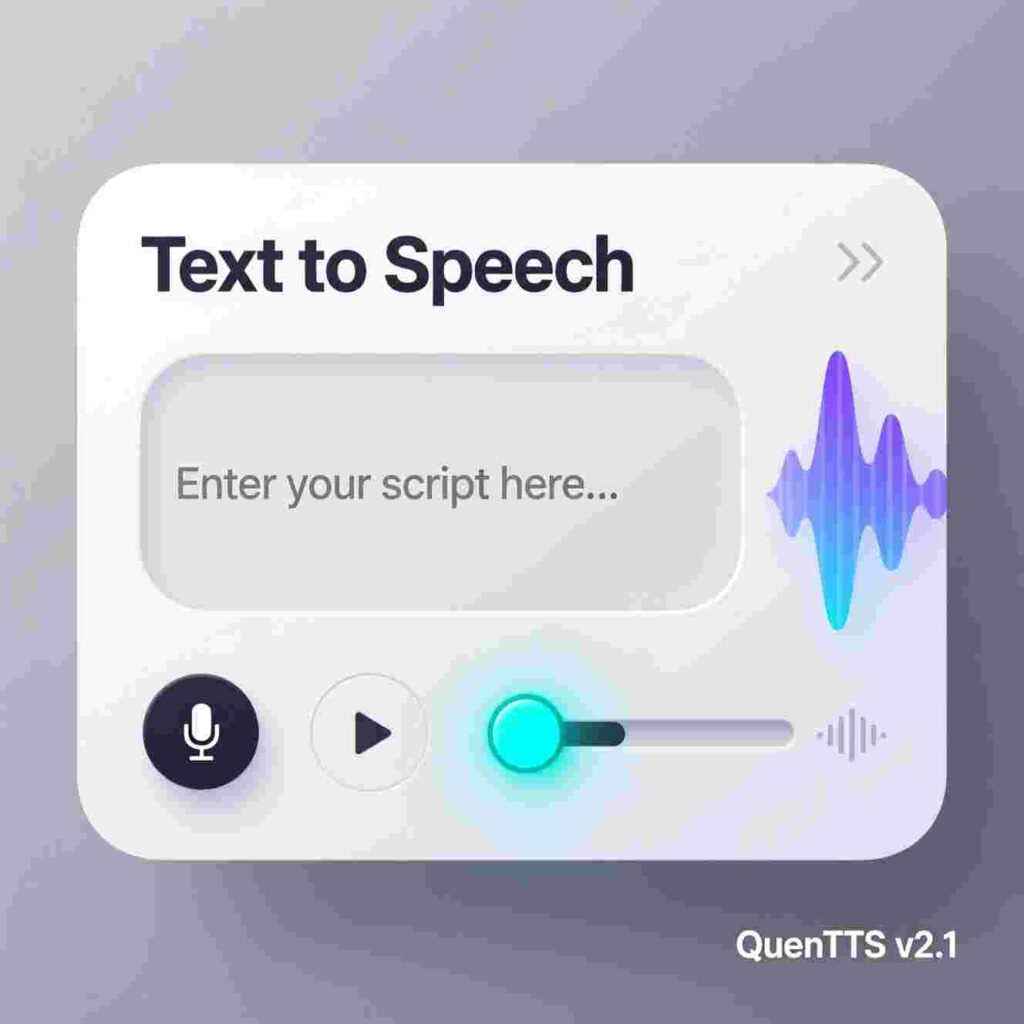
Text to Speech
Convert text to speech • Download as MP3
Uses browser TTS • MP3 download via secure proxy • Works best in Chrome/Edge
Text-to-Speech Tool: Instantly convert any text into natural-sounding speech with our 100% free and easy-to-use tool, perfect for increasing productivity at school, work, or home.
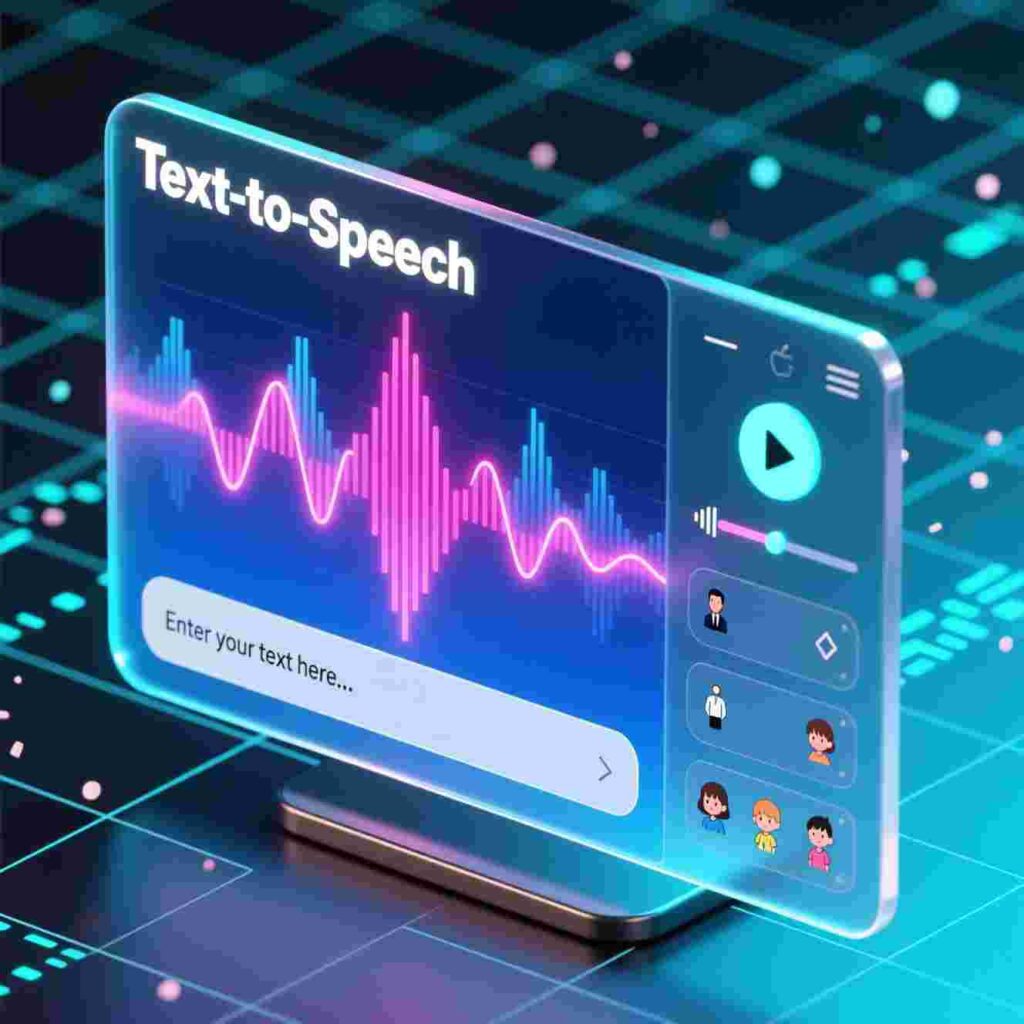
The Tools You Use To Improve Productivity
All Our Services Are 100% Free And Easy To Use
Introduction: Meet Your New Superpower
Imagine you’re reading a big homework assignment. The words swim on the page. Your eyes feel tired. But then—poof!—a friendly voice reads it out loud to you, like a robot helper who never gets bored. That’s not magic. That’s Text to Speech!
Around the world, kids, teachers, parents, and even grown-up workers use free tools to make their days easier, faster, and more fun. Some tools turn math problems into puzzles. Others help you remember your chores. And one special kind turns words on a screen into spoken words you can hear. These tools don’t cost money. You don’t need fancy gadgets. And the best part? Anyone can use them—even you!
In this article, you’ll discover how simple, free tools (like Text to Speech) help people learn, work, and play better every day. You’ll see real-life examples, easy tips, and fun ideas you can try right now. Ready? Let’s go!
What Is Productivity, Anyway?
Before we talk about tools, let’s define “productivity.”
Productivity is how well you use your time and energy to get things done. It’s not about working harder. It’s about working smarter.
For example:
If you finish your spelling practice in 10 minutes instead of 20, you just used your time well.
If you remember all your homework without your mom reminding you, you used your brain well.
If you help your little brother build a LEGO castle without getting frustrated, you used your energy well.
Productivity isn’t just for grown-ups with briefcases and coffee cups. Kids use it every day—when they finish chores, study for a quiz, or even pack their backpack for school.
The secret? Good tools.
Tool #1: Text to Speech – Your Reading Buddy
Some kids read super fast. Others take their time. And some find reading really tough—maybe because of dyslexia, tired eyes, or just a long day. That’s where Text to Speech shines. You type or paste words into a box. Click a button. And voilà—a calm, clear voice speaks them.
Why It Helps Kids
Makes homework easier: If a science article feels too long, Text to Speech reads it while you listen and take notes.
Improves focus: Your eyes rest, but your brain keeps learning.
Builds confidence: You don’t need to ask someone to read to you—you do it yourself!
Helps with spelling: Hear how words sound while you see them spelled.
Try It Yourself!
Go to a free website like “NaturalReader Online” or “Google’s Select-to-Speak” (ask a grown-up for help).
Copy a paragraph from your favorite book or school worksheet.
Paste it into the tool.
Press play—and listen!
You just used Text to Speech to boost your productivity!
Tool #2: Digital Sticky Notes
Remember those little yellow paper notes stuck on fridges and mirrors? Now they live on your tablet or computer!
Digital sticky notes let you write quick reminders like:
“Bring gym shoes tomorrow!”
“Science project due Friday”
“Call Grandma 🎂”
You can color-code them, set alarms, and even share them with your family. Best of all—they never fall off the fridge!
Pro tip: Use one color for school, another for fun. Your brain will learn the system fast.
Tool #3: Timer Apps (The Pomodoro Trick)
Did you know your brain works best in short bursts?
The Pomodoro Technique uses a timer to help you focus. Here’s how it works:
Set a timer for 25 minutes.
Work on one task (like math homework).
When the timer rings—take a 5-minute break!
After four rounds, take a longer break (15–30 minutes).
Free apps like “TomatoTimer” or “Focus Keeper” do all the work for you. No math. No guessing. Just focus + fun breaks.
Many kids say, “I finish my homework faster and feel less stressed!” That’s productivity power.
Tool #4: Voice Typing – Speak, Don’t Type!
Do your fingers get tired typing on a keyboard? Try voice typing!
Voice typing turns your spoken words into text. Just click the microphone icon (in Google Docs or Microsoft Word), speak clearly, and watch your words appear.
Great for:
Writing stories
Answering long quiz questions
Sending messages to friends (with permission!)
You talk. The computer listens. Your ideas flow faster than ever.
Tool #5: Online Flashcards
Studying for a test? Flashcards help your brain remember facts.
Free sites like Quizlet or Anki let you make digital flashcards. Type a question on one side (“What’s the capital of France?”) and the answer on the other (“Paris!”).
The app shows you cards you get wrong more often—so you study smarter, not harder.
Bonus: You can add fun pictures or even sounds!
Tool #6: Cloud Storage – Your Backpack in the Sky
Ever forget your homework because you left it at home?
Cloud storage (like Google Drive or OneDrive) saves your files online. That means:
Your book report lives on your tablet, your home computer, and your school laptop.
You never lose work—even if your device breaks.
You can share projects with teachers or teammates in one click.
Think of it as a magic backpack that follows you everywhere—light, safe, and always open.
Tool #7: Daily Planner Apps
A planner helps you see your whole day at a glance.
Free apps like “My Study Life” or “Google Calendar” let you add:
School schedule
Soccer practice
Piano lessons
Even “free play time!”
You’ll never say, “I forgot!” again. Plus, checking off completed tasks feels awesome.
Tool #8: Math Helpers
Stuck on a tricky math problem? Math helper tools show you steps—not just answers.
Sites like Khan Academy or Photomath let you:
Watch short videos that explain ideas
Type or snap a photo of a problem
See how to solve it, step by step
These tools teach you how to think—not just what to write. That’s real learning.
Tool #9: Reading Level Adjusters
Some websites let you change how hard a story is to read.
For example, Newsela shares real news articles written at different reading levels. You pick one that feels right for you—Grade 3, Grade 5, or even Grade 12!
You stay informed, build vocabulary, and never feel lost.
Tool #10: Text to Speech – Yes, Again!
We mentioned Text to Speech earlier—but it’s so useful, it deserves a second look.
This time, think about writing. After you write a story or report, use Text to Speech to read it out loud. You’ll catch mistakes your eyes missed! (“Wait—I wrote ‘their’ instead of ‘there’!”)
Famous authors do this. So can you.
How Teachers Use These Tools
Your teachers love these tools too!
They use Text to Speech to help classmates who learn differently.
They share flashcards and timers with the whole class.
They post assignments in cloud folders so everyone stays organized.
When teachers use smart tools, learning becomes fairer and more fun for everyone.
How Parents Use These Tools
Grown-ups aren’t left out!
Parents use:
Digital calendars to track soccer games and dentist appointments
Voice typing to write quick emails
Cloud storage to save your artwork and report cards forever
Many say, “These free tools give us more time to play with our kids!”
Real Kids, Real Stories
Maya, Age 10 – “Text to Speech Changed My Reading Life”
Maya used to hate reading homework. “The words jumbled up,” she says. Then her teacher showed her Now, Maya listens while following along. “I understand more. And I’m not scared to read aloud in class anymore.”
Leo, Age 9 – “Timers Make Homework Fun”
Leo used to dawdle for hours. Now, he races his Pomodoro timer. “If I finish before it rings, I get a sticker!” His mom says he’s calmer and prouder.
Zoe, Age 11 – “My Cloud Backpack Never Forgets”
Zoe once cried because she left her science project at home. Now, everything goes into Google Drive. “Even if I forget my tablet, I can open my work on the library computer. I feel like a tech spy!”
Safety First: Smart Rules for Online Tools
Free tools are great—but always stay safe!
✅ Ask a grown-up before downloading anything.
✅ Never share passwords or personal info (like your address).
✅ Use school-approved sites when possible.
✅ Log out when you’re done.
Most free tools don’t need sign-ups. If they do, use your school email—not your personal one.
How to Choose the Right Tool
Not every tool works for every person. Try this checklist:
Is it free? (No hidden costs!)
Is it easy? (No confusing buttons!)
Does it help me? (Not just your friend or sibling!)
Does it save time or reduce stress? If yes—keep it!
Test one tool for a week. If it helps, stick with it. If not, try another.
All Our Services Are 100% Free And Easy To Use
Have you ever wished your computer could read your homework out loud? Or maybe you’re tired of typing everything and want your words to just speak themselves? That’s where amazing tools like Text to Speech come in—and guess what? You can use them for free, anytime, and they’re super easy to use!
In this article, you’ll learn all about how simple, free tools can help you get your schoolwork done faster, stay organized, and even have more time to play. Whether you love writing stories, building science projects, or just want to finish your math faster, these tools are here to help. And the best part? All our services are 100% free and easy to use—no confusing steps or secret passwords needed!
Let’s dive in and discover how smart, simple tools can make your life easier, one click at a time.
What Does “Productivity” Really Mean?
Before we talk about tools, let’s talk about what “productivity” means. It sounds like a big word, but it’s actually pretty simple.
Being productive means getting things done smartly and helpfully. It doesn’t mean working all day without breaks! It means:
Finishing your homework without stress
Organizing your ideas clearly
Saving time so you can do fun things after
Not getting stuck when something feels too hard
Think of productivity like building a LEGO tower. If you dump all the pieces on the floor and start randomly snapping them together, it might take forever—and your tower could fall over. But if you sort the pieces, follow the instructions, and work step by step, you’ll finish faster and build something awesome.
Tools help you sort those LEGO pieces. And one of the coolest tools out there? Text to Speech.
Meet Your New Best Friend: Text-to-Speech
Imagine you wrote a story, but you’re not sure if it sounds right. Maybe the sentences are too long, or the words don’t flow smoothly. Instead of asking someone to read it (which is great—but sometimes they’re busy!), you can use Text to Speech.
Text to Speech is a tool that turns words on your screen into spoken words—like a robot that reads out loud! You type or paste your text, press a button, and voilà—you hear your words come to life.
This isn’t just for fun (though it is fun). Text to Speech helps you:
Catch mistakes you might miss when reading silently
Hear how your story or report really sounds
Practice reading if you’re just learning
Give your eyes a rest after staring at a screen
And remember—all our services are 100% free and easy to use. No download needed. No sign-up. Just visit the website, paste your text, and press play!
How Text to Speech Helps Students Like You
You might wonder: “Do kids really use Text to Speech?” The answer is YES—and here’s why.
- Proofreading Made Easy
When you write a book report or a science journal, it’s easy to miss small mistakes like missing words or repeated phrases. But when you hear your writing, your brain notices things your eyes skip over. Text to Speech reads exactly what’s on the page—so if something sounds weird, you’ll know to fix it! - Learning New Words
Sometimes you see a big word you’ve never heard before—like “photosynthesis” or “constellation.” With Text to Speech, you can hear how it’s pronounced correctly. That helps you remember it better and feel more confident using it in class. - Helping with Reading Challenges
Some kids find reading hard because of dyslexia or other learning differences. Text to Speech gives them a fair chance to enjoy books, follow lessons, and complete assignments without stress. It’s like having a friendly helper right on your screen. - Listening While Doing Other Things
Maybe you wrote a poem and want to hear it while you draw the picture that goes with it. Or you have notes for a history project and want to listen while you build a model volcano. Text to Speech lets you learn while your hands are busy!
More Free Tools That Boost Productivity
Text to Speech is just one superhero in a whole team of free tools that help you get things done. Let’s meet a few more!
📝 Online Notepads
Forget losing crumpled sticky notes or homework pages. Free online notepads let you type your ideas and save them in the cloud. That means you can open them on any computer or tablet—even at school or your grandma’s house!
🗂️ To-Do List Makers
A to-do list might sound boring, but it’s actually powerful. When you write down what you need to do—like “finish math sheet,” “feed the hamster,” and “call my friend”—your brain feels lighter. Free to-do list tools let you check off tasks with a click. Cha-ching! One less thing to worry about.
🧠 Mind Map Creators
Got a big project on animals or space? A mind map helps you organize your thoughts like branches on a tree. Start with a main idea in the middle (“Ocean Life”), then add branches for fish, coral, ships, and pollution. It’s visual, creative, and makes planning way more fun.
🎨 Graphic Organizers
These are special templates that help you compare, contrast, or list steps in a process. Want to compare lions and tigers? There’s a chart for that. Need to explain how a plant grows? A flowchart will guide you. All free. All easy.
⏰ Timer Tools
Did you know your brain works better in short bursts? Try the “Pomodoro” trick: work for 20 minutes, then take a 5-minute break. Free online timers help you stay on track without watching the clock.
All of these tools—and Text to Speech too—do one big thing: they give you more control over your time and your learning.
Why “Free and Easy” Matters
You might see fancy apps that cost money or ask for your name, age, and even your teacher’s email. But not all tools need that!
When a tool is 100% free and easy to use, it means:
Anyone can use it—no matter where they live or how much money their family has
You don’t need an account or password
It works fast, without pop-up ads or confusing buttons
You can focus on your work, not on figuring out the tool
That’s fairness. That’s kindness. And that’s how real learning happens—when every kid gets a fair shot.
Text to Speech is one of those tools. No tricks. No costs. Just helpful tech that works when you need it.
Real-Life Ways Kids Use Text to Speech
Still not sure how Text to Speech fits into your life? Here are real examples from students just like you:
📚 Maya, Age 10 – Book Lover
Maya loves reading fantasy novels, but sometimes the books are too advanced. She copies a paragraph into the Text to Speech tool and listens while she reads along. This helps her understand tricky sentences and learn new words.
🧪 Leo, Age 9 – Science Fan
Leo wrote a report on volcanoes. He wasn’t sure if his explanation of “magma” made sense. So he used Text to Speech to hear it out loud. He realized he said “lava flows slow” but meant “lava can flow slowly”—so he fixed it!
✏️ Zoe, Age 11 – Young Writer
Zoe writes short stories every week. She uses Text to Speech to listen to her drafts. “It’s like having an audiobook of my own book!” she says. She catches awkward phrases and makes her writing smoother.
🧩 Ben, Age 10 – Puzzle Solver
Ben has dyslexia, which makes reading take longer. His teacher lets him use Text to Speech for online quizzes and reading passages. “Now I can keep up with my friends,” he says with a big smile.
These kids aren’t tech experts—they’re just regular students who found a helpful tool. And you can too!
How to Use Text to Speech (Step by Step!)
Ready to try it? Here’s how to use Text to Speech in three easy steps:
Step 1: Open your favorite Text to Speech website (remember—it’s 100% free and easy to use!).
Step 2: Type or copy your text into the box. It could be a poem, a paragraph, your spelling words—anything!
Step 3: Click the “Play” button. A friendly voice will read your text out loud.
That’s it! You can even choose different voices—male, female, fast, slow, or even silly ones (some tools have robot or cartoon voices!).
Want to hear your name said perfectly? Type it in. Want to practice your speech for show-and-tell? Paste it and listen. Text to Speech is your personal reading buddy.
Safety First: Using Tools Responsibly
Even though these tools are free and helpful, it’s important to use them safely. Here are a few friendly reminders:
✅ Never type personal info like your full name, address, or phone number into any online tool—even if it seems safe.
✅ Ask a grown-up if you’re not sure whether a website is okay to use.
✅ Use tools for learning, not for cheating. The goal is to understand, not just get answers.
✅ Take breaks! Staring at screens too long can hurt your eyes. Try the “20-20-20 rule”: every 20 minutes, look at something 20 feet away for 20 seconds.
Great tools work best when you use them wisely—and kindly.
Text to Speech Around the World
Did you know Text to Speech isn’t just in English? Many tools support Spanish, French, Mandarin, Arabic, and more! That means:
Kids learning a new language can hear how words sound
Families can translate and listen to messages together
Students can share projects with friends in other countries
Technology like Text to Speech helps the whole world talk, learn, and connect. And it’s growing smarter every day.
What Makes a Tool Truly Helpful?
Not every online tool is created equal. The best ones share these qualities:
🔹 Simple design – Big buttons, clear words, no clutter
🔹 Fast results – You don’t wait 5 minutes for one sentence to play
🔹 No ads – Pop-ups and flashing banners distract you
🔹 Works on any device – Whether you use a tablet, phone, or old computer
🔹 Made for real people – Not just for adults or tech experts
That’s why we say: All our services are 100% free and easy to use. Because learning should feel good—not frustrating.
Fun Projects You Can Try with Text to Speech
Want to get creative? Here are five fun ideas using Text to Speech:
- Create a Talking Storybook
Write a short story with characters and dialogue. Then use Text to Speech to give each character a different voice (some tools let you switch voices between lines!). Record it or play it for your family. - Make a Vocabulary Radio Show
Pick 5 new words you learned this week. Write a fun script like a radio host: “Welcome to Word Central! Today’s word is… ‘gigantic’!” Use Text to Speech to broadcast your show. - Turn Your Poem Into a Song
Write a rhyming poem about your pet, your favorite food, or outer space. Listen to it with Text to Speech and tap your foot to the rhythm. Does it sound musical? - Practice a Foreign Language
Write simple sentences in Spanish (“El gato es negro”) or French (“J’aime le chocolat”). Hear them spoken correctly with Text to Speech—great for pronunciation! - Build a Homework Helper
Copy your science notes or history facts into Text to Speech and listen while you eat a snack or walk the dog. Learning while moving helps your brain remember better!
Why Productivity Isn’t About Doing More—It’s About Doing Better
Here’s a secret: being productive isn’t about finishing more work. It’s about doing work that matters—and doing it in a way that feels calm and clear.
When you use tools like Text to Speech, you’re not “cheating.” You’re being smart. You’re using your time well. You’re giving yourself the best chance to learn, create, and grow.
Think of these tools like training wheels on a bike. At first, they help you balance. But soon, you’re riding on your own—faster, freer, and full of confidence.
How Teachers and Parents Can Help
Grown-ups play a big role in helping kids use tools wisely. Here’s how they can support you:
👩🏫 Teachers can:
Show the class how to use Text to Speech during writing time
Offer it as an option for reading assignments
Celebrate students who use tools to improve their work
👨👩👧 Parents can:
Explore free tools together on weekends
Ask, “How did this tool help you today?”
Praise effort, not just perfect results
When adults believe in your ability to learn with tech, you feel more confident trying new things.
Text to Speech and the Future
Someday, you might invent your own app or design your own tool. Maybe you’ll make a Text to Speech that sounds exactly like your favorite cartoon character—or one that sings your homework in a funny voice!
The kids using Text to Speech today are the problem-solvers, writers, scientists, and leaders of tomorrow. Every time you use a tool to learn better, you’re building your future.
And that future starts with simple, kind, helpful tech—like Text to Speech.
Ten Reasons to Love Free, Easy Tools
Let’s recap why tools like Text to Speech rock:
They save time – Less stress, more play
They’re for everyone – No matter your skill level
They’re free – No hidden costs or trials
They’re easy – You don’t need a manual
They help you learn – Not just copy or rush
They’re safe – When used responsibly
They boost confidence – “I can do this!”
They’re fun – Learning feels like play
They work anytime – After school, on weekends, even during summer!
They’re yours to use – No permission needed (as long as you’re safe)
That’s the power of smart, simple tools.
Final Thought: You’re the Boss of Your Learning
No tool can replace your curiosity, your creativity, or your kindness. But tools like Text to Speech can give you a boost when you need it.
Remember:
You don’t have to do everything the hard way
Asking for help (even from a robot!) is smart
Productivity means working with your brain, not against it
So go ahead—try Text to Speech today. Write something silly. Paste your homework. Hear your words come alive. And smile, because you’re doing something awesome: you’re using smart tools to make learning fun.
And the best part?
All our services are 100% free and easy to use—just for you.