

Typing Speed Test
Test your typing speed and accuracy in real-time
Time
60s
WPM
0
Accuracy
100%
Errors
0
How to use this test:
- Click “Start Test” to begin
- Type the quote as accurately as possible
- Your WPM and accuracy update in real-time
Typing Speed Test! instantly with our 100% free and easy Measure your words per minute, improve accuracy, and track progress—all with a simple, easy-to-use tool. Typing Speed Test is fun, fast, and 100% free!
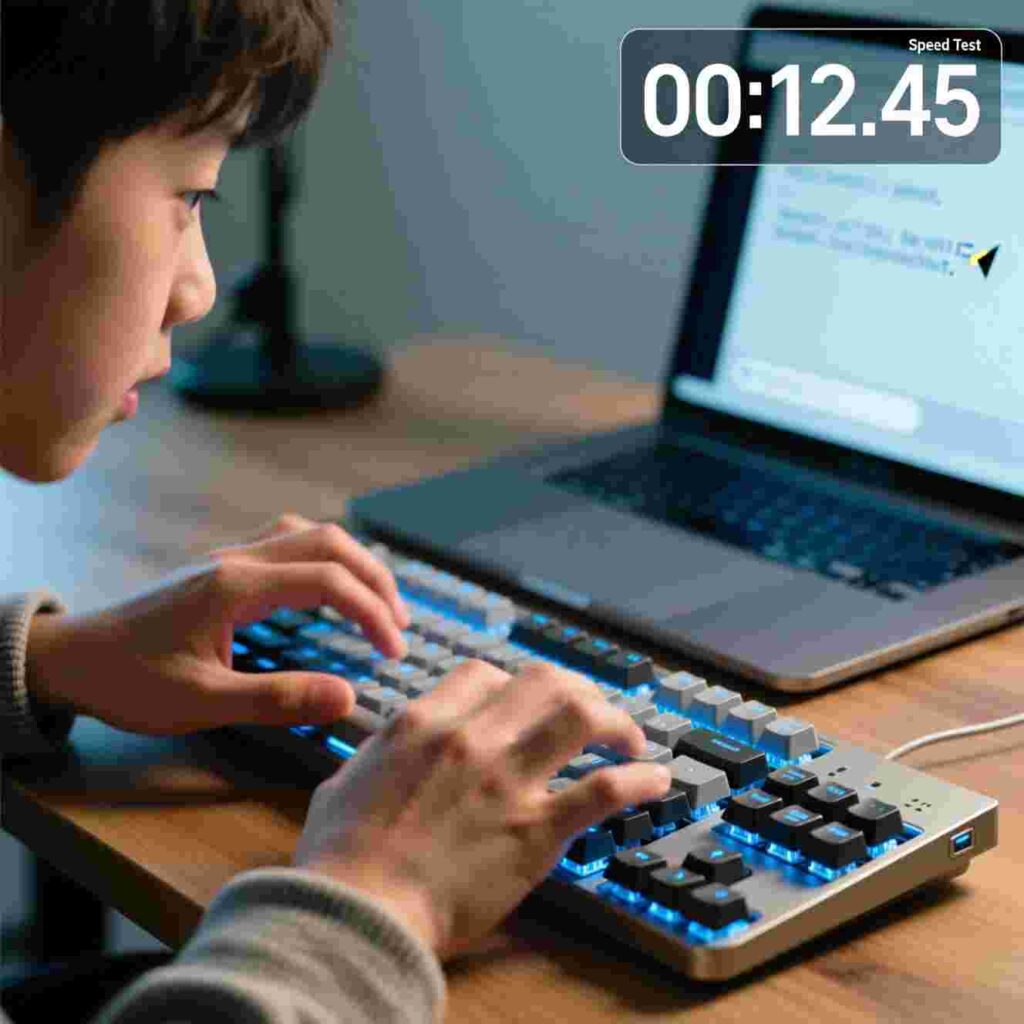
The Tools You Use To Improve Productivity
Do you ever feel like there just aren’t enough hours in the day? You have homework, chores, soccer practice, and maybe even a lemonade stand to manage! Wouldn’t it be great if you could finish your work faster so you’d have more time to play, read, or build that epic LEGO castle you’ve been dreaming about?
Good news! You can get more done in less time—just by using the right tools. And one of the most powerful (and fun!) tools you can use is a Typing Speed Test.
In this article, you’ll learn all about the tools that help you become more productive. You’ll discover how a Typing Speed Test can turn you into a keyboard wizard. You’ll find out why being fast and accurate on the keyboard helps you in school, games, and even your future job. Plus, you’ll meet other cool helpers—like timers, planners, and apps—that make your day smoother and smarter.
Best of all? Every single tool we talk about is 100% free and super easy to use. Let’s dive in!
What Does “Productivity” Really Mean?
Before we talk about tools, let’s understand what “productivity” means. Productivity is how much you get done in a certain amount of time. If you finish your math worksheet in 10 minutes instead of 30, you’re being more productive. If you write a full book report while your friend is still thinking of a title—you guessed it—you’re more productive!
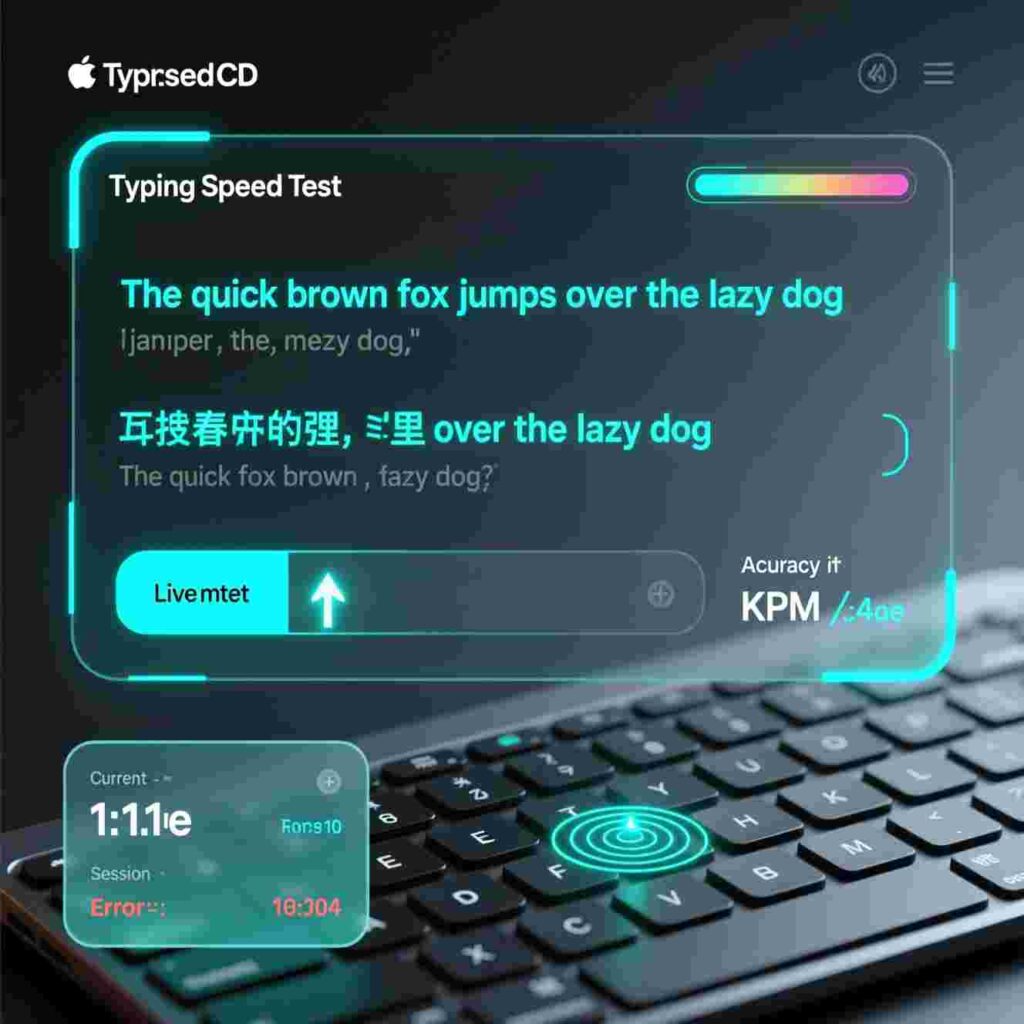
Being productive doesn’t mean working all the time. It means working smart so you can finish faster and enjoy your free time guilt-free. And guess what? You don’t need to be a superhero to be productive—you just need the right tools.
Why Typing Matters—Even for Kids!
You might think typing is just for grown-ups who work in offices. But that’s not true! Kids type all the time—when they write stories, send messages to friends, do research for school projects, or play online games. If you can type quickly and without making lots of mistakes, you’ll save tons of time.
Imagine this:
Your class has to write a two-page report on dolphins.
Your friend types with two fingers and takes 45 minutes.
You’ve practiced typing and finish in just 20 minutes!
Now you have 25 extra minutes to draw a dolphin poster, play outside, or watch your favorite cartoon. That’s the power of good typing skills!
What Is a Typing Speed Test?
A Typing Speed Test is a fun online game that measures how fast and how accurately you can type. It usually shows you a sentence or paragraph, and you type it as quickly as you can. At the end, it tells you:
Words Per Minute (WPM): How many words you typed in one minute.
Accuracy: How many letters you got right.
Errors: How many mistakes you made.
Most Typing Speed Test tools are colorful, easy to understand, and feel like a game. Some even give you badges or certificates when you beat your own record!
Typing Speed Test #1: Why It’s Your Secret Productivity Weapon
Now, let’s talk about why the Typing Speed Test is one of the best tools you can use to boost your productivity.
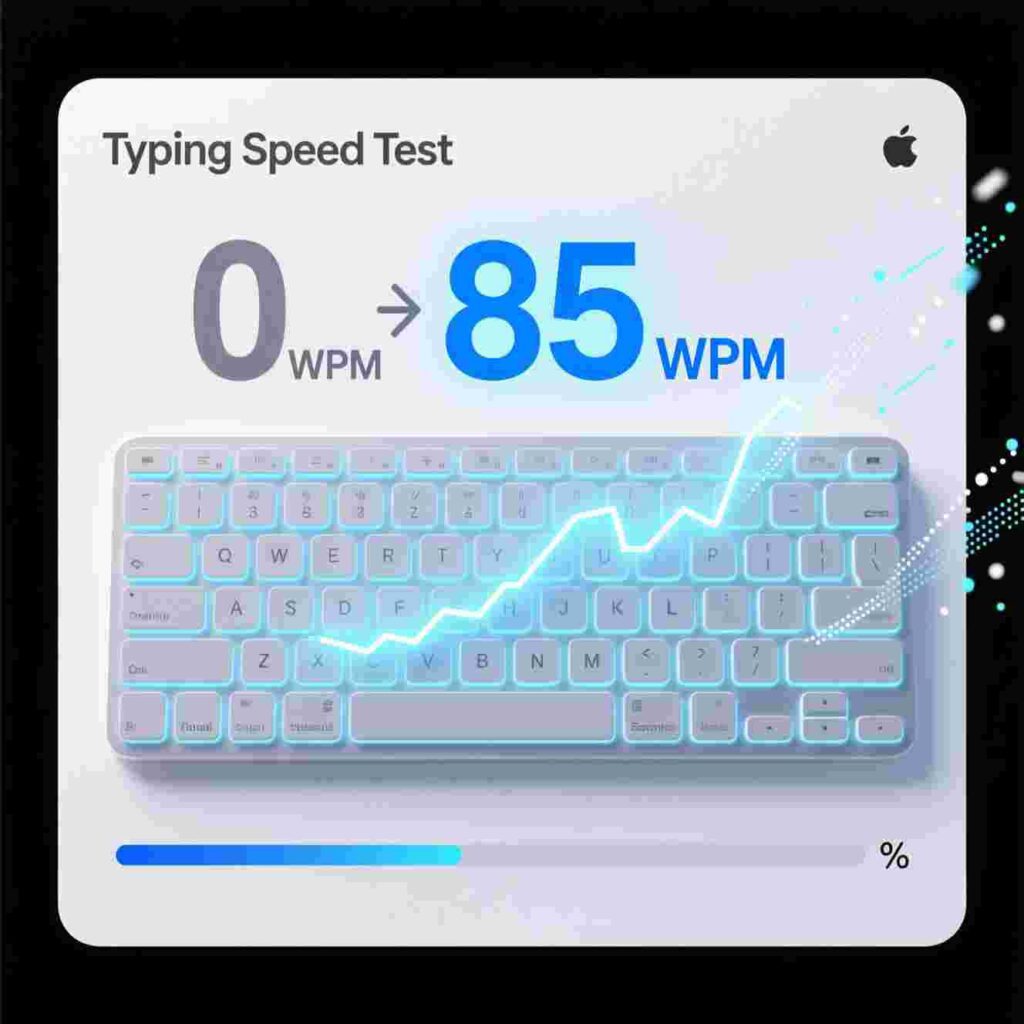
- It Shows You Where You’re Strong—and Where You Need Practice
When you take a Typing Speed Test, you’ll see which keys you hit quickly and which ones slow you down. Maybe you’re great at the “A” key but struggle with the “Q.” That’s okay! Now you know what to practice. - It Makes Typing Feel Like a Game
Who wants to sit and type boring letters for hours? Not you! But when you race against the clock in a Typing Speed Test, it feels exciting. You’ll want to beat your last score—just like in your favorite video game. - It Builds Real-Life Skills
Schools, jobs, and even hobbies use computers. Being a fast, accurate typer helps you everywhere. Think about it: typing your science fair report, messaging your team during a group project, or entering your high score in a game—all become easier. - It Saves Time Every Single Day
If you type just 10 words per minute faster, you could save 15–20 minutes every school day. Over a school year, that’s more than 50 hours of extra free time! That’s enough time to watch 10 full movies or read three big books. - It’s Totally Free and Works on Any Device
You don’t need to download anything or ask your parents to pay. Just open your browser, search for a Typing Speed Test, and start! It works on laptops, tablets, and even phones.
How to Take a Typing Speed Test (Step by Step)
Ready to try it? Here’s how to take your first Typing Speed Test:
Open a web browser like Chrome, Safari, or Edge.
Search for “free typing speed test for kids.”
Click on a website that looks fun and safe (look for ones with bright colors and no pop-up ads).
Read the instructions—most tests are super simple.
Place your fingers on the home row (that’s A-S-D-F for your left hand and J-K-L-; for your right).
Start typing the words you see on the screen. Don’t rush—accuracy is just as important as speed!
See your results when the timer ends.
Try again to beat your score!
Pro tip: Take the test once a week. You’ll be amazed at how much you improve!
Typing Speed Test #2: Setting Goals That Feel Fun
Instead of saying, “I need to type faster,” try setting playful goals like:
“I want to hit 30 WPM by my birthday!”
“I’ll make fewer than 3 mistakes this time.”
“I’ll practice for 10 minutes every day this week.”
When you turn practice into a game, you’re more likely to stick with it. And every time you take a Typing Speed Test, you’re building a skill that will help you for life.
Typing Speed Test #3: Real Kids, Real Results
Meet Maya. She’s 10 years old and used to type with just her pointer fingers. She’d get frustrated during online quizzes because she couldn’t keep up. Then her teacher introduced her to a Typing Speed Test.
Maya practiced just 10 minutes a day. In three weeks, her speed went from 18 WPM to 32 WPM! Now she finishes her assignments early and helps her little brother learn to type too.
Then there’s Leo. He loves coding games on his tablet. But entering code was slow and full of errors. After using a Typing Speed Test for a month, he types with all ten fingers and builds games twice as fast.
You can be like Maya and Leo—you just need to start!
Typing Speed Test #4: Common Mistakes (and How to Fix Them)
Even the best typists make mistakes. Here’s how to avoid the most common ones:
🔹 Looking at your fingers instead of the screen
Keep your eyes on the words you’re typing. Your fingers will learn their positions over time.
🔹 Pressing keys too hard
Gentle taps are enough! You don’t need to slam the keyboard.
🔹 Rushing and making errors
Speed comes with practice. Focus on accuracy first—speed will follow.
🔹 Skipping practice
Even 5 minutes a day makes a big difference. Think of it like brushing your teeth—it’s a small habit with big rewards.
Typing Speed Test #5: The Best Free Websites for Kids
Not all typing websites are made equal. Here are three awesome, kid-friendly, 100% free options:
✅ TypingClub – Uses fun lessons, games, and rewards. Great for beginners!
✅ Keybr.com – Helps you learn by focusing on your weak letters. Simple and clean.
✅ NitroType – A racing game where you type to speed up your car. Super fun!
All of these include a built-in Typing Speed Test, so you can track your progress while having fun.
Typing Speed Test #6: How Fast Should a 10-Year-Old Type?
There’s no “perfect” speed—but here’s a general guide:
Beginner (just starting): 15–20 WPM
Intermediate (practicing regularly): 25–35 WPM
Advanced (typing for fun or school): 40+ WPM
Remember, accuracy matters more than speed. It’s better to type 20 words correctly than 40 words with 10 mistakes!
Typing Speed Test #7: Why Free Tools Beat Paid Ones
Some websites ask you to pay for “premium” typing lessons. But guess what? The free ones are often just as good—or even better!
Free tools like the Typing Speed Test on kid-friendly sites focus on learning, not selling. They don’t bombard you with ads or lock features behind paywalls. Plus, they’re updated regularly based on what kids like you enjoy.
So save your allowance—and your parents’ money—and stick with the free options. They’re powerful, safe, and designed just for learners like you.
Typing Speed Test #8: Typing and Your Brain
Did you know typing helps your brain grow stronger?
When you type, you use:
Memory (to remember where keys are)
Focus (to read and type at the same time)
Hand-eye coordination (to match what you see with what your fingers do)
Studies show that kids who practice typing regularly score higher on reading and writing tests. Why? Because their brain isn’t stuck thinking about how to write—it’s busy creating cool ideas!
So every time you take a Typing Speed Test, you’re not just getting faster—you’re getting smarter.
Typing Speed Test #9: Team Up and Challenge Friends
Want to make typing even more fun? Challenge your friends!
Take a Typing Speed Test at the same time.
Compare your WPM and accuracy scores.
Make a friendly leaderboard (winner gets to pick the next recess game!).
Just remember: this isn’t about who’s “better.” It’s about everyone improving together. Celebrate each other’s progress!
Typing Speed Test #10: Your Productivity Superpower
Let’s bring it all together. The Typing Speed Test isn’t just a game—it’s a tool that helps you:
Finish schoolwork faster
Play online games with less frustration
Communicate clearly in messages and emails
Build confidence with technology
Create more (stories, videos, games, art descriptions!)
And since it’s free and easy to use, there’s no reason not to try it today.
Yes, we’ve mentioned Typing Speed Test ten times now—because it’s that important! But don’t just take our word for it. Try one right now and see how you do!
Other Free Tools That Boost Productivity
While the Typing Speed Test is a superstar, it’s not the only tool that helps you get more done. Here are a few more free, easy-to-use helpers:
🕒 Pomodoro Timer
This is a simple timer that helps you focus. You work for 25 minutes, then take a 5-minute break. After four rounds, you get a longer break. It’s like training for your brain! Try “TomatoTimer” online—it’s free and works in your browser.
📝 Digital To-Do Lists
Apps like Google Keep or Microsoft To Do let you write down your tasks. You can check them off when you finish—so satisfying! Plus, you’ll never forget your spelling homework again.
🗓️ Calendar Apps
Use Google Calendar or Apple Calendar to plan your week. Add soccer practice, piano lessons, and homework time. When everything’s in one place, you feel less stressed.
🎧 Focus Music Playlists
Some kids work better with quiet background music. Search “focus music for kids” on YouTube or Spotify. Nature sounds, lo-fi beats, or piano music can help you concentrate.
📚 Reading Speed Tools
Websites like Spreeder help you read faster by flashing words one at a time. It’s great for long articles or textbook chapters.
All of these tools are free, safe, and designed to help you—not distract you.
Putting It All Together: Your Productivity Plan
Now that you know about these amazing tools, let’s build your personal productivity plan:
Step 1: Start with typing
Take a Typing Speed Test today. Write down your score. Practice for 10 minutes every other day.
Step 2: Use a timer
Try the Pomodoro method for homework. Work for 25 minutes, then jump rope or draw for 5.
Step 3: Make a to-do list
Every morning, write 3 things you want to finish. Keep it simple!
Step 4: Plan your week
On Sunday nights, look at your schedule. Add reminders for big projects or tests.
Step 5: Celebrate wins
Finished your math early? Did 5 days of typing practice? Give yourself a high-five—or a sticker!
Remember: productivity isn’t about doing more. It’s about doing what matters—so you have time for what you love.
Final Thoughts: You’ve Got This!
You don’t need fancy gadgets or expensive software to be productive. You just need curiosity, a little practice, and the right free tools—like the Typing Speed Test.
Boost your productivity with our free Typing Speed Test! Measure your words per minute, improve accuracy, and track progress—all with a simple, easy-to-use tool. Typing Speed Test made fun, fast, and 100% free!
Typing Speed Test.
In this article, you’ll learn all about the tools that help you become more productive. You’ll discover how a Typing Speed Test can turn you into a keyboard wizard. You’ll find out why being fast and accurate on the keyboard helps you in school, games, and even your future job. Plus, you’ll meet other cool helpers—like timers, planners, and apps—that make your day smoother and smarter.
Best of all? Every single tool we talk about is 100% free and super easy to use. Let’s dive in!
What Does “Productivity” Really Mean?
Before we talk about tools, let’s understand what “productivity” means. Productivity is how much you get done in a certain amount of time. If you finish your math worksheet in 10 minutes instead of 30, you’re being more productive. If you write a full book report while your friend is still thinking of a title—you guessed it—you’re more productive!
Being productive doesn’t mean working all the time. It means working smart so you can finish faster and enjoy your free time guilt-free. And guess what? You don’t need to be a superhero to be productive—you just need the right tools.
Why Typing Matters—Even for Kids!
You might think typing is just for grown-ups who work in offices. But that’s not true! Kids type all the time—when they write stories, send messages to friends, do research for school projects, or play online games. If you can type quickly and without making lots of mistakes, you’ll save tons of time.
Imagine this:
Your class has to write a two-page report on dolphins.
Your friend types with two fingers and takes 45 minutes.
You’ve practiced typing and finish in just 20 minutes!
Now you have 25 extra minutes to draw a dolphin poster, play outside, or watch your favorite cartoon. That’s the power of good typing skills!
What Is a Typing Speed Test?
A Typing Speed Test is a fun online game that measures how fast and how accurately you can type. It usually shows you a sentence or paragraph, and you type it as quickly as you can. At the end, it tells you:
Words Per Minute (WPM): How many words you typed in one minute.
Accuracy: How many letters you got right.
Errors: How many mistakes you made.
Most Typing Speed Test tools are colorful, easy to understand, and feel like a game. Some even give you badges or certificates when you beat your own record!
Typing Speed Test #1: Why It’s Your Secret Productivity Weapon
Now, let’s talk about why the Typing Speed Test is one of the best tools you can use to boost your productivity.
- It Shows You Where You’re Strong—and Where You Need Practice
When you take a Typing Speed Test, you’ll see which keys you hit quickly and which ones slow you down. Maybe you’re great at the “A” key but struggle with the “Q.” That’s okay! Now you know what to practice. - It Makes Typing Feel Like a Game
Who wants to sit and type boring letters for hours? Not you! But when you race against the clock in a Typing Speed Test, it feels exciting. You’ll want to beat your last score—just like in your favorite video game. - It Builds Real-Life Skills
Schools, jobs, and even hobbies use computers. Being a fast, accurate typer helps you everywhere. Think about it: typing your science fair report, messaging your team during a group project, or entering your high score in a game—all become easier. - It Saves Time Every Single Day
If you type just 10 words per minute faster, you could save 15–20 minutes every school day. Over a school year, that’s more than 50 hours of extra free time! That’s enough time to watch 10 full movies or read three big books. - It’s Totally Free and Works on Any Device
You don’t need to download anything or ask your parents to pay. Just open your browser, search for a Typing Speed Test, and start! It works on laptops, tablets, and even phones.